UStudioBytes
🗓️ When is UStudioBytes Released?
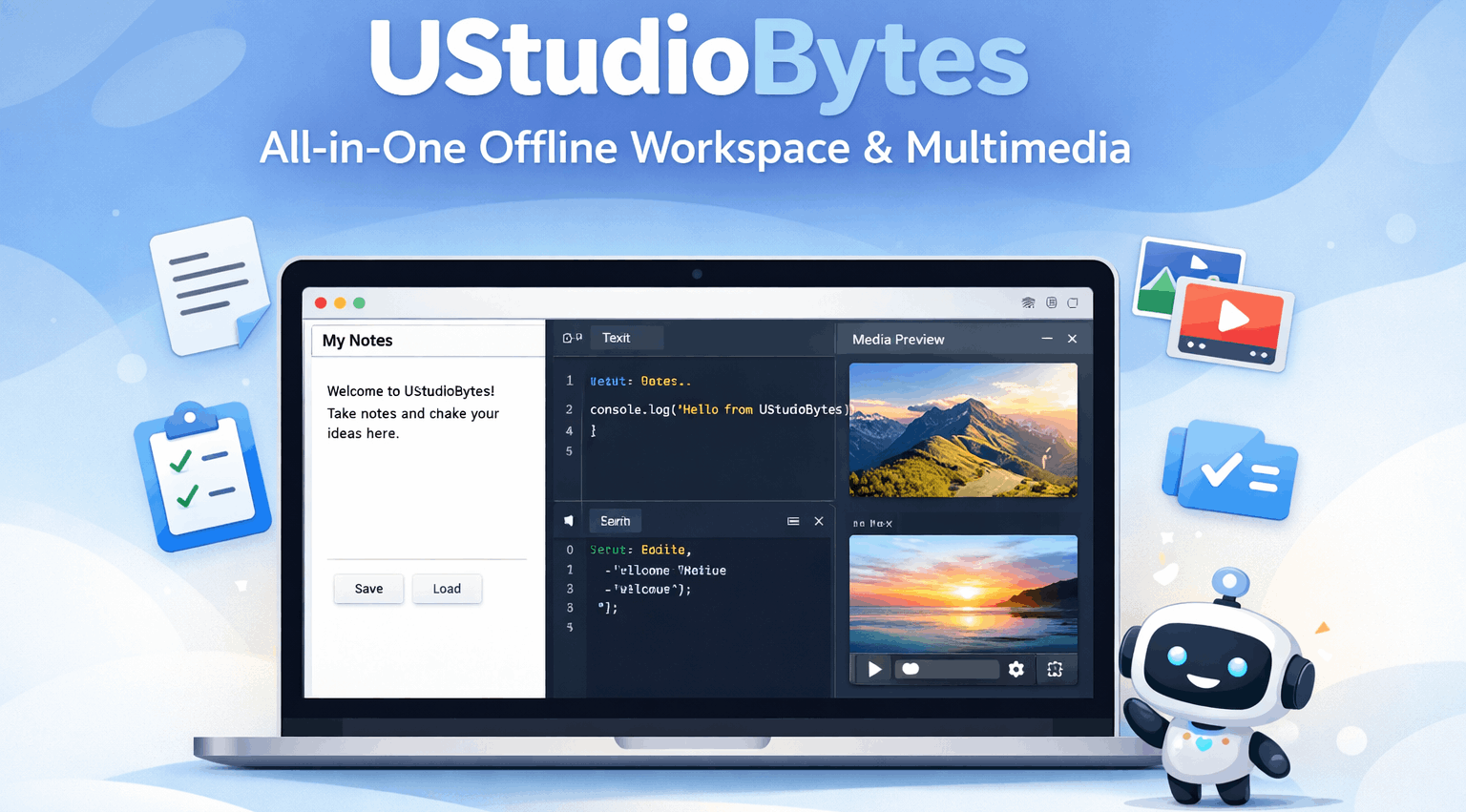
The first offline version of UStudioBytes was released on 25 January. Since then, it has received updates and improvements. The latest release includes:
- Text Editor – write notes, drafts, or articles.
- Code Editor – supports JavaScript, HTML, and CSS with live preview.
- Media Library – manage images, videos, and audio files with preview and organization tools.
- Task Manager – add, track, and complete tasks or projects.
- AI Assistance – editing suggestions, code hints, and formatting corrections.
💡 Why Download UStudioBytes?
- Unified Workspace: Combine writing, coding, and multimedia in one interface.
- Offline Functionality: No internet required; perfect for remote or offline work.
- Media Management: Organize, render, and sync content libraries locally.
- Task & Project Tracking: Schedule reminders, track progress, and manage multiple projects.
- Lightweight & Fast: Runs smoothly in your browser without heavy system demands.
👥 Target Users
- Digital Creators – video, audio, and graphic editors seeking a centralized workspace.
- Developers – write and test code directly in the offline editor.
- Educators & Students – manage projects, files, and notes offline.
- Small Businesses – handle marketing assets, media libraries, and internal documentation.
🔗 Platform Integration & Alternatives
UStudioBytes integrates with AI and creative platforms like Google AI Studio. Alternatives include:
- Notion – All-in-one workspace for notes, tasks, and content management.
- ClickUp – Project management with integrated docs and workflow tools.
- Microsoft 365 / Teams – Enterprise-level coordination with cloud storage and chat.
- Canva / Jasper AI – AI-powered design and marketing platforms.
- Frame.io – Video collaboration and review.
- Jira – Developer-focused project management with agile workflow support.
- Miro – Visual brainstorming and mapping tool for collaborative projects.
🚀 Launch UStudioBytes Offline
Click below to open UStudioBytes in your browser:
🖥️ UStudioBytes Offline App

⬇️ Download UStudioBytes
Click the button below to download the full offline UStudioBytes HTML file. Save it on your computer and open it anytime in your browser to access the complete workspace.
Frequently Asked Questions about UStudioBytes
-
🗓️ When is UStudioBytes released?
Released on 25 January. Updates continue with AI improvements, media tools, and offline enhancements. -
Download UStudioBytes?
Download the HTML file directly from this page. Fully offline and self-contained. -
📌 Release Version?
Includes Text Editor, Code Editor, Media Library, Task Manager, and AI Assistance. -
Where to download?
Access only official sources here for safety. Avoid third-party links. -
Who is UStudioBytes for?
Digital creators, developers, students, educators, and small businesses looking for an offline unified workspace. -
Is it safe?
Yes. Runs entirely in your browser, files stay local, no internet required.